
MAKE
Choose the guide for the making step that needs a clearer setup. Keep useful tools and containers you already own.
Set up the cutting session: Use the Cricut workspace guide to plan the operating surface, material travel, finishing space, and shared-table reset.
Find and return supplies: Use Cricut storage ideas to keep materials, mats, tools, and project kits identifiable. Check your exact machine and material requirements before buying replacements.
If the whole room needs a plan, use the Workspace Planner. If customer jobs are waiting between steps, use the unfinished-order guide.
-
Cricut Storage Ideas for Small Spaces: Materials, Mats, and Project Kits
Read more →: Cricut Storage Ideas for Small Spaces: Materials, Mats, and Project KitsKeep Cricut materials identifiable, protect mats, and separate active project kits from reserves without filling the cutting surface.
-
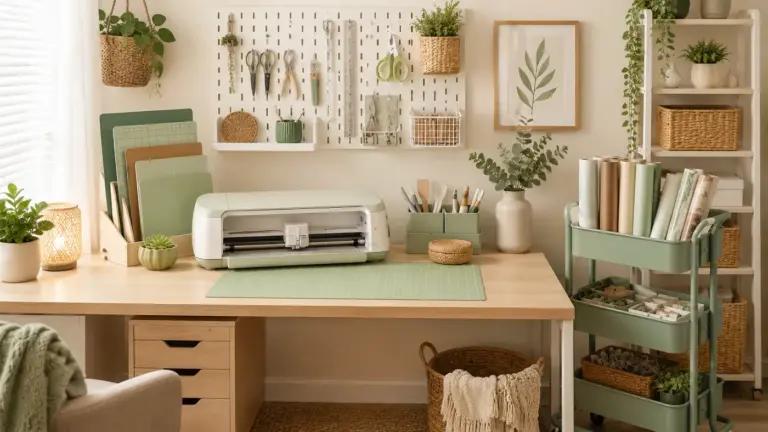
Cricut Workspace Ideas for Small Rooms: Cut, Finish, and Pause
Read more →: Cricut Workspace Ideas for Small Rooms: Cut, Finish, and PausePlan a Cricut surface around material travel, finishing space, and a separate waiting tray. Test a shared desk before adding furniture.