
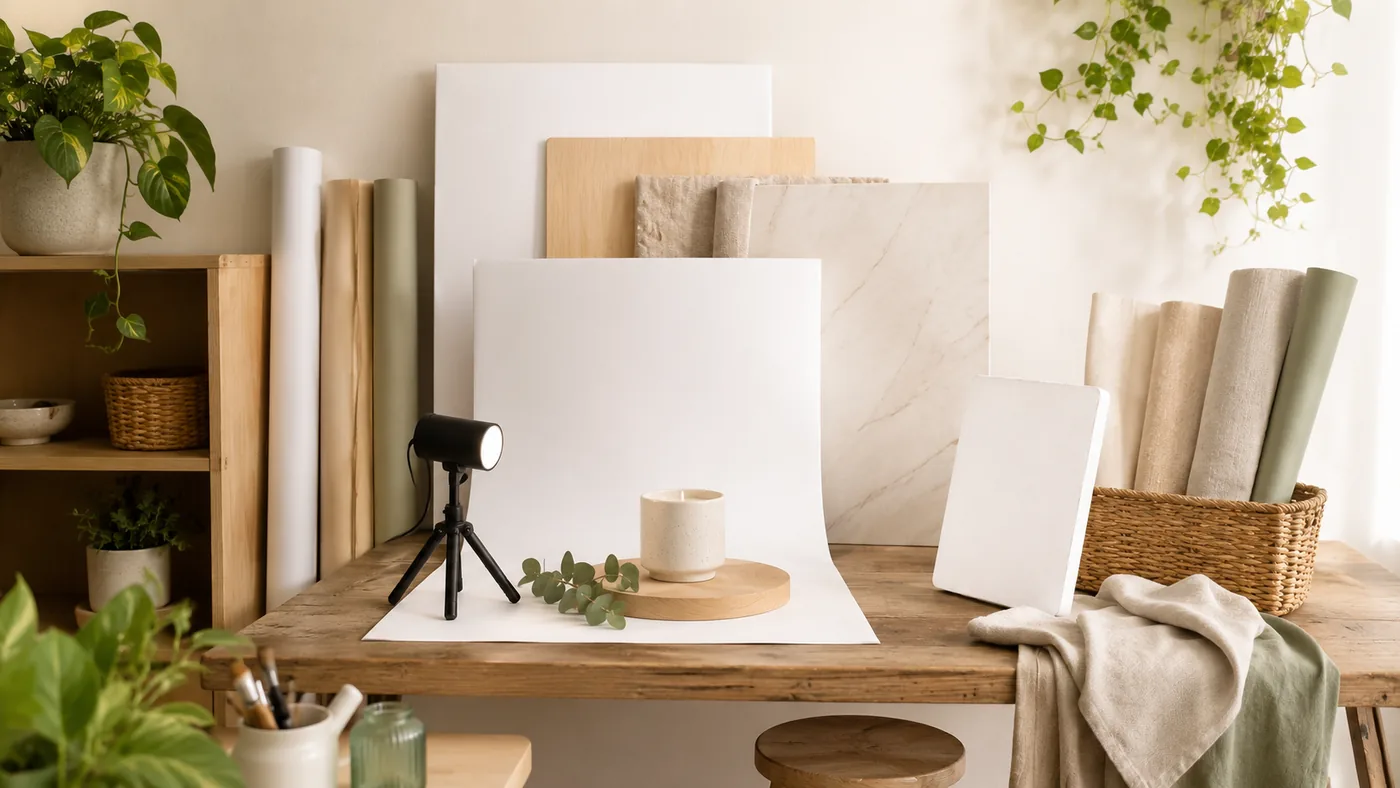
The right backdrop helps a buyer see the product. It also needs to fit your camera view and return to storage without becoming scratched, stained, or awkward to retrieve.
Use a short comparison with the same product and setup before choosing another background. This guide evaluates backdrop materials and storage; it does not replace the lighting guide or the product shot list.
Run three image checks
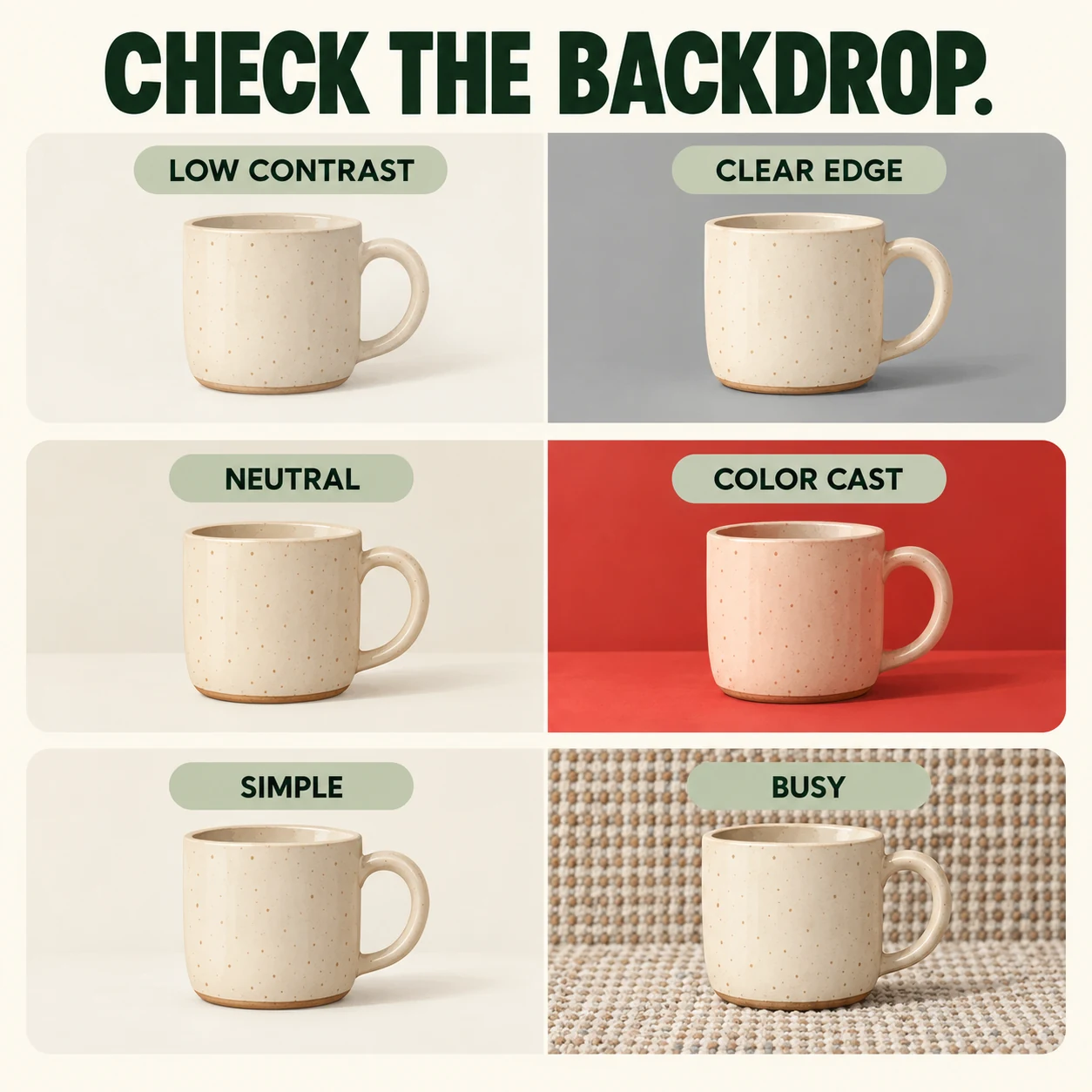
| Check | Look for | Change to try |
|---|---|---|
| Outline | Edges disappearing into the background | Compare a neutral background with more tonal separation |
| Color | A surface tint appearing on the product | Try a neutral surface and check nearby colored objects |
| Texture | Wrinkles, grain, or pattern attracting attention | Compare a plain surface in the same framing |
The diagram exaggerates the differences to explain the checks. It is an illustration, not an actual camera test or evidence of a measured color result. A white backdrop is an option, not a rule for every product.
Compare useful background materials
| Material | Useful role | Small-space tradeoff |
|---|---|---|
| Matte card or poster board | Plain tabletop sweep for small items | Limited width; creases and marks may show |
| Paper sweep | Continuous background without a hard corner | Roll storage and replacement when the usable area is marked |
| Matte rigid board | Repeatable flat-lay or upright surface | Needs a supported storage slot; cannot roll |
| Fabric | A soft contextual surface | Wrinkles, visible weave, and cleaning needs |
| Wood or textured surface | Context when the texture explains the product | Visual distraction, color reflection, and larger storage footprint |
| Existing plain wall or table | Trial before purchasing a backdrop | Available angle and unwanted seams or objects |
Treat decorative patterns, tiles, and colored boards as controlled alternatives. Keep them only when the product remains clear and its appearance is represented accurately.
Use the same-frame comparison
- Choose a representative product, including a difficult light or dark item if you sell one.
- Keep the camera position, light, product angle, and intended crop as consistent as possible.
- Photograph the product against the existing surface and one alternative.
- Compare the outline, color, and texture at listing size and a small thumbnail size.
- Keep the background that answers the product question with fewer distractions; record the setup.
For example, a cream fabric pouch may lose its outline on an equally pale surface. A mid-tone neutral board is worth comparing. A brighter-looking image alone is not a reason to keep it if the fabric color becomes misleading.
Etsy’s photo editing guidance cautions against edits that distort product appearance. Resolve a background or lighting problem at capture when practical, rather than changing the product’s color to fit a preferred surface.
Check coverage before choosing a size
Frame the widest and tallest typical product views, including any set or scale reference needed. Look for a board edge, seam, clip, or curve entering the image. Measure the area actually used and the distance required to position your camera or phone.
A backdrop that fits a close-up may not cover a group shot. Move or reframe the setup when appropriate, but do not crop away a product feature that the buyer needs to see. The setup guide helps place the backdrop and support on a shared desk.
Limit the storage footprint
Start with one reliable main backdrop and one genuinely different alternative if your product range needs it. Assign flat boards a supported storage position and rolls a return location that follows their material instructions. Keep clips with the photo kit.
Give each background a role such as “neutral main listing” or “context for natural texture.” If two surfaces produce equivalent usable images, keep the easier one to store and reset. You do not need twelve purchased backdrops to create a consistent shop.
Troubleshooting before buying
| Visible problem | Check in this order |
|---|---|
| White item disappears | Outline contrast, light direction, and background distance |
| Unexpected warm tint | Colored surface/nearby objects, mixed light, and camera settings |
| Hard line behind product | Background curve, framing, and positioning |
| Creases dominate | Surface condition, angle, and a flatter alternative |
| Dust keeps reappearing | Clean product and backdrop, then inspect a sample frame |
Backdrop decision card
Record: product group → buyer view needed → main backdrop → alternative and reason → coverage measurements → return location. Attach one reference frame from your own setup.
If the image is clear but important details are missing, another background will not solve the problem. Use the shot-list guide to plan the coverage, then the photo checklist to check and save the files before resetting the table.